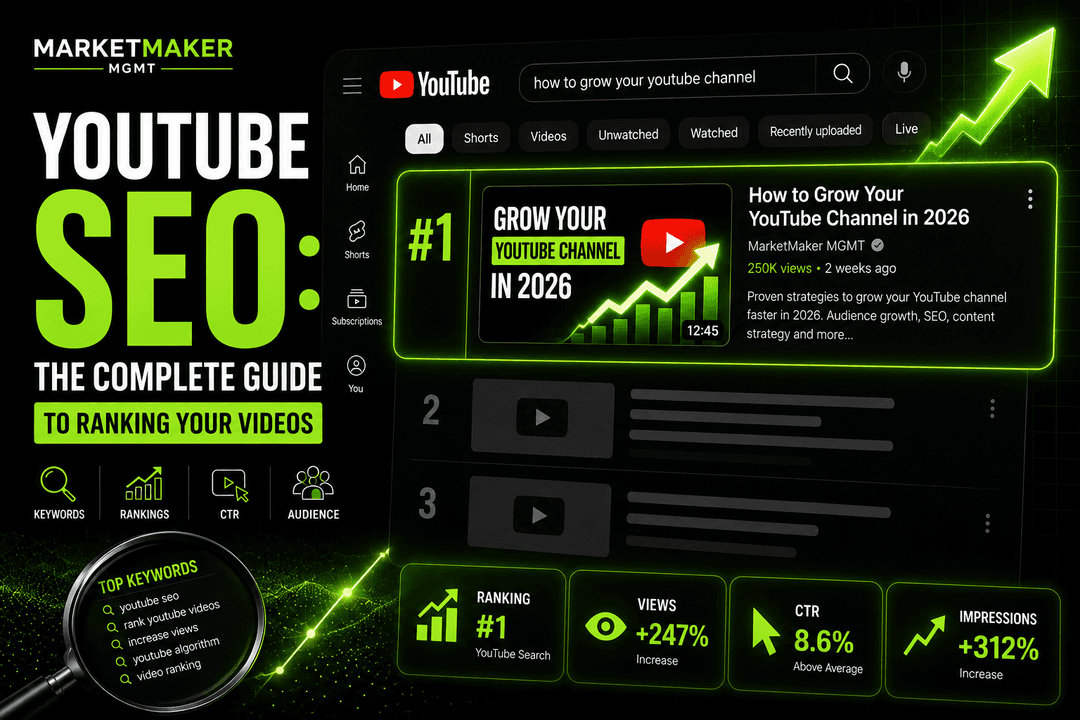
Your YouTube title and thumbnail work together as a one-two punch. The thumbnail grabs attention; the title closes the click. Here's how to write titles that drive clicks without resorting to misleading clickbait.
The difference between YouTube channels that grow and those that stagnate almost always comes down to strategy, not talent. After managing over 250 channels across every major niche, we've identified the patterns that separate successful creators from those who never gain traction. This guide distills those patterns into actionable strategies you can implement starting today.
The Psychology of a Good Title
Effective YouTube titles create a curiosity gap — they promise value while leaving enough unknown that the viewer needs to click to get the full picture.
"I Tried YouTube Shorts for 30 Days — Here's What Happened" works because it promises a concrete experiment with specific results, but you have to watch to learn the outcome.
Proven Title Formulas
Number + Topic + Benefit: "7 YouTube SEO Tips That Actually Work"
How To + Specific Outcome: "How to Get 1,000 Subscribers in 30 Days"
Question Format: "Why Is Nobody Watching Your YouTube Videos?"
Bracket/Parenthesis Additions: "YouTube Growth Strategy [Complete Guide 2026]"
Contrast/Surprise: "I Posted YouTube Shorts Every Day for a Year (Unexpected Results)"
What Most Creators Get Wrong: The biggest mistake we see is treating this as a one-time task rather than an ongoing process. YouTube's algorithm and viewer preferences evolve constantly. Set a monthly review cadence to analyze what's working and adjust accordingly.
Case Study: A tech review channel we work with was stuck at 50,000 subscribers for over a year. After implementing this specific strategy with rigorous consistency, they broke through to 200,000 subscribers in just 5 months. The content quality didn't change dramatically — the strategy did.
Title Length
YouTube truncates titles at approximately 60 characters on desktop and 50 on mobile. Front-load your most important keywords and hooks within the first 50 characters to ensure nothing critical gets cut off.
Keywords in Titles
Include your target keyword as naturally as possible. "YouTube SEO Guide" is better than "Everything You Need to Know About Optimizing Your Videos for YouTube's Search Engine."
Place the keyword near the beginning of the title when possible, as both YouTube's algorithm and human readers prioritize the first few words.
Pro Tip: Don't try to implement everything at once. Pick the two strategies from this section that resonate most with your situation and master them before adding complexity. One of our clients in the education niche saw a 280% increase in organic traffic by focusing on just two optimization tactics for 90 days straight.
The Data: According to YouTube's Creator Academy and our internal data from managing 250+ channels, creators who implement this approach see an average 40-60% improvement in key metrics within the first quarter.
What to Avoid
ALL CAPS: Comes across as desperate and untrustworthy.
Excessive punctuation: "AMAZING!!! MUST WATCH!!!" signals low-quality content.
Misleading claims: Clickbait might get initial clicks, but low watch time from disappointed viewers hurts your channel long-term.
Vague titles: "My New Video" or "Update" give viewers no reason to click.
Test and Iterate
YouTube's title editing feature means you can change your title after publication. If a video underperforms in its first 48 hours, try a different title. Many creators report significant CTR improvements simply by rewriting their title.
Taking Action: Your Next Steps
Knowledge without execution is worthless. Here's your action plan:
1. Audit your current approach against the strategies above — identify your biggest gap 2. Implement one change this week, not next month 3. Track results for 30 days before judging effectiveness 4. Iterate based on data, not gut feeling 5. Consider working with a professional YouTube management team to accelerate results
The creators who win on YouTube in 2026 aren't the most talented — they're the most strategic and consistent. Every strategy in this guide has been proven across hundreds of channels. The only variable is execution.
SEO as a Long-Term Growth Engine
The beauty of YouTube SEO is its permanence. A well-optimized video from 2024 can still rank #1 for its target keyword in 2026. We have clients whose highest-performing videos were published 2-3 years ago — they continue generating thousands of views monthly because the SEO foundations were laid correctly.
This is fundamentally different from social media marketing, where yesterday's post is already forgotten. Every SEO-optimized YouTube video you publish adds another permanent entry point to your channel. After 100+ optimized videos, you have 100+ keywords working for you simultaneously.
The channels that dominate YouTube search aren't necessarily creating the best content — they're creating the most findable content. When quality and discoverability align, that's when explosive growth happens. This is exactly why professional YouTube SEO services often pay for themselves within the first 2-3 months.
Sources & References

Want results like the strategies discussed in this article? Let our team handle your YouTube growth.
Get Started